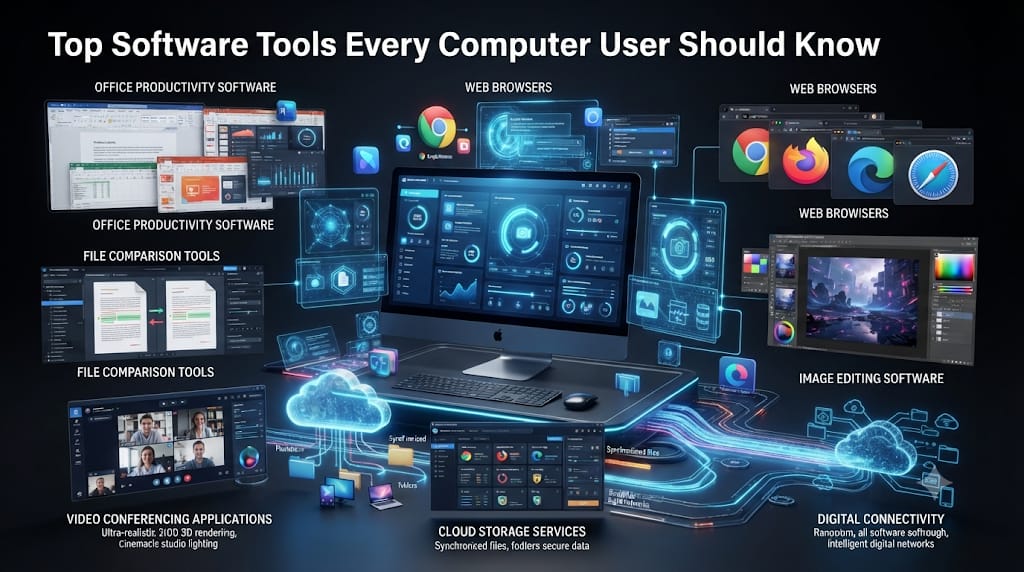
Software plays an important role in how people use computers. From writing documents and browsing the internet to editing images and managing files, different software tools help users complete everyday tasks.
Knowing about common software categories can help beginners choose the right tools for their needs.
1. Office Productivity Software
Office productivity applications help users create documents, spreadsheets, and presentations.
Popular examples include Microsoft Office and LibreOffice.
These tools are useful for students, professionals, teachers, and businesses.
2. Web Browsers
A web browser allows users to access websites, search for information, and use online services.
Popular browsers include:
- Google Chrome
- Mozilla Firefox
- Microsoft Edge
- Safari
Users should keep browsers updated and download them from official sources.
3. File Compression Tools
File compression software reduces file sizes and helps organize multiple files into archives.
Common formats include ZIP and 7z.
Tools such as 7-Zip can help users compress and extract files.
4. Image Editing Software
Image editing tools help users create, adjust, and improve digital images.
Examples include GIMP, Adobe Photoshop, and other image editing applications.
These programs are useful for designers, photographers, content creators, and students.
5. Video Conferencing Applications
Video conferencing tools allow people to communicate through online audio and video meetings.
Common examples include Zoom, Google Meet, and Microsoft Teams.
They are widely used for online education, remote work, and business communication.
6. Cloud Storage Services
Cloud storage services allow users to save files online and access them from different devices.
Examples include Google Drive, Microsoft OneDrive, and Dropbox.
Before uploading sensitive documents, review the service’s privacy and security settings.
How to Choose the Right Software
Before installing software, consider its purpose, compatibility, cost, privacy policy, and system requirements.
Download applications only from official websites or trusted app stores. Review permissions carefully and avoid unofficial modified versions.
Conclusion
Software tools make computers useful for a wide range of activities. Learning about productivity applications, browsers, file compression, image editing, and cloud storage can help users become more confident with technology.
Explore more beginner-friendly software and computer guides with Jedi Computing.